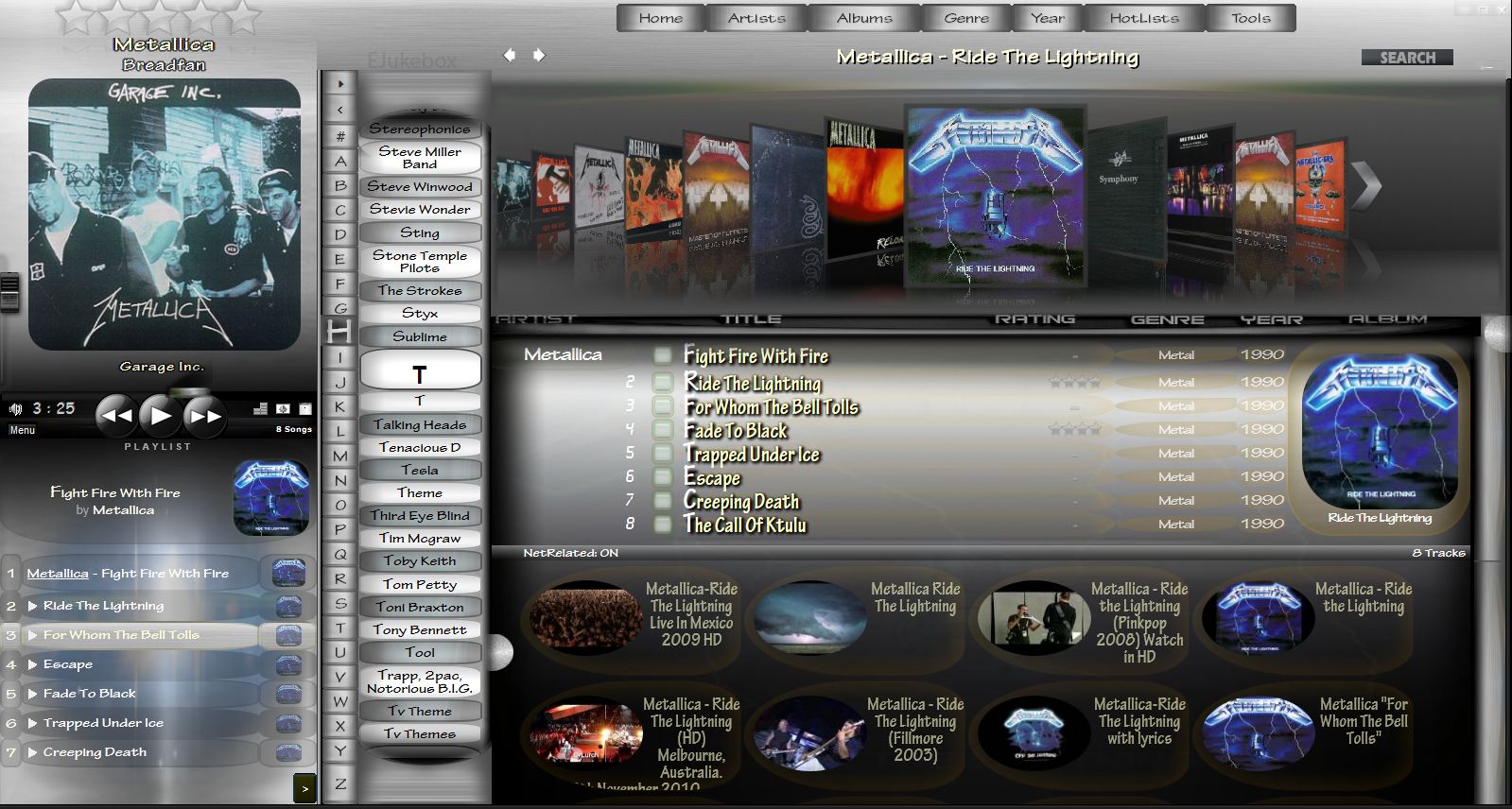
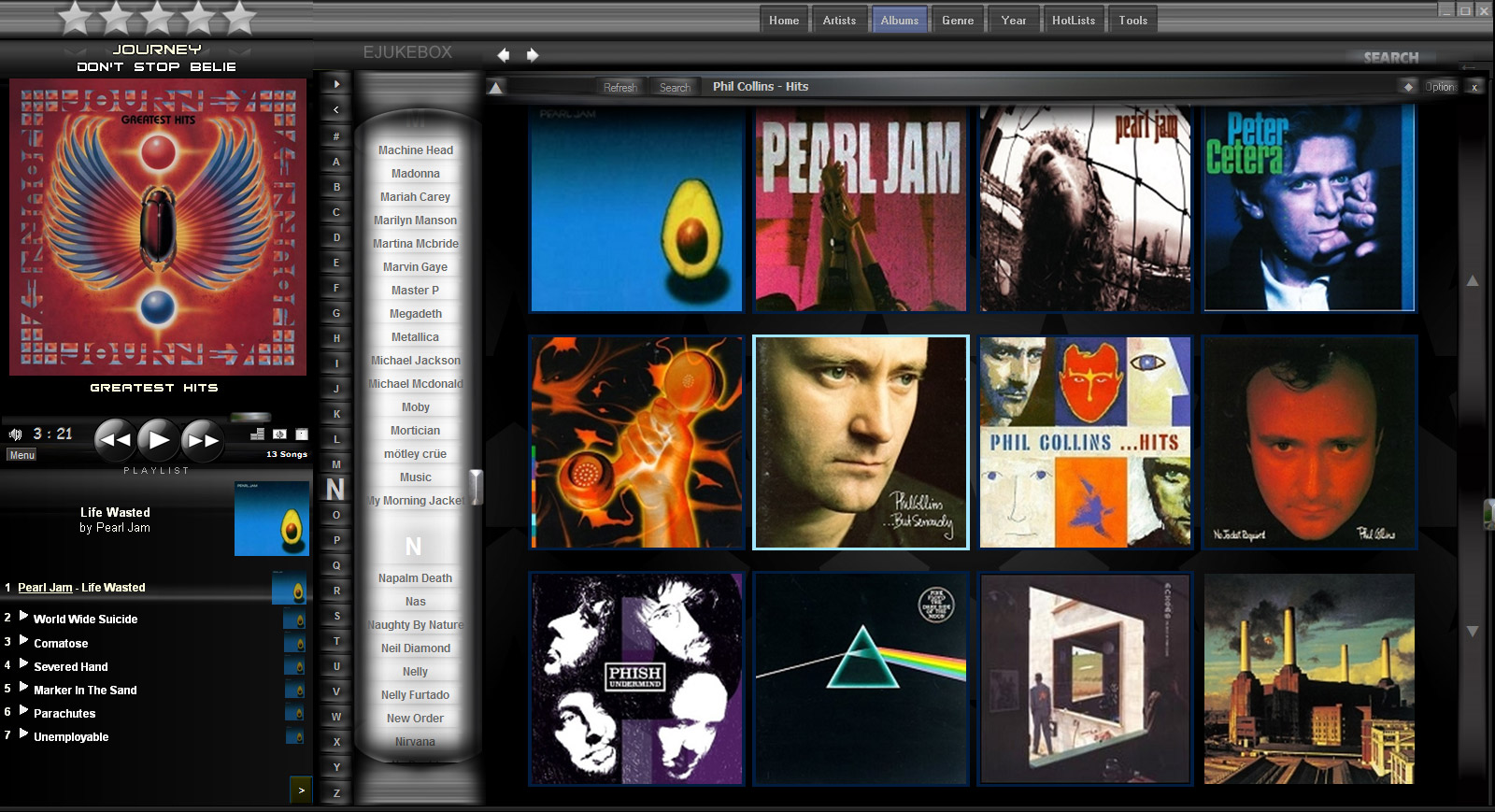
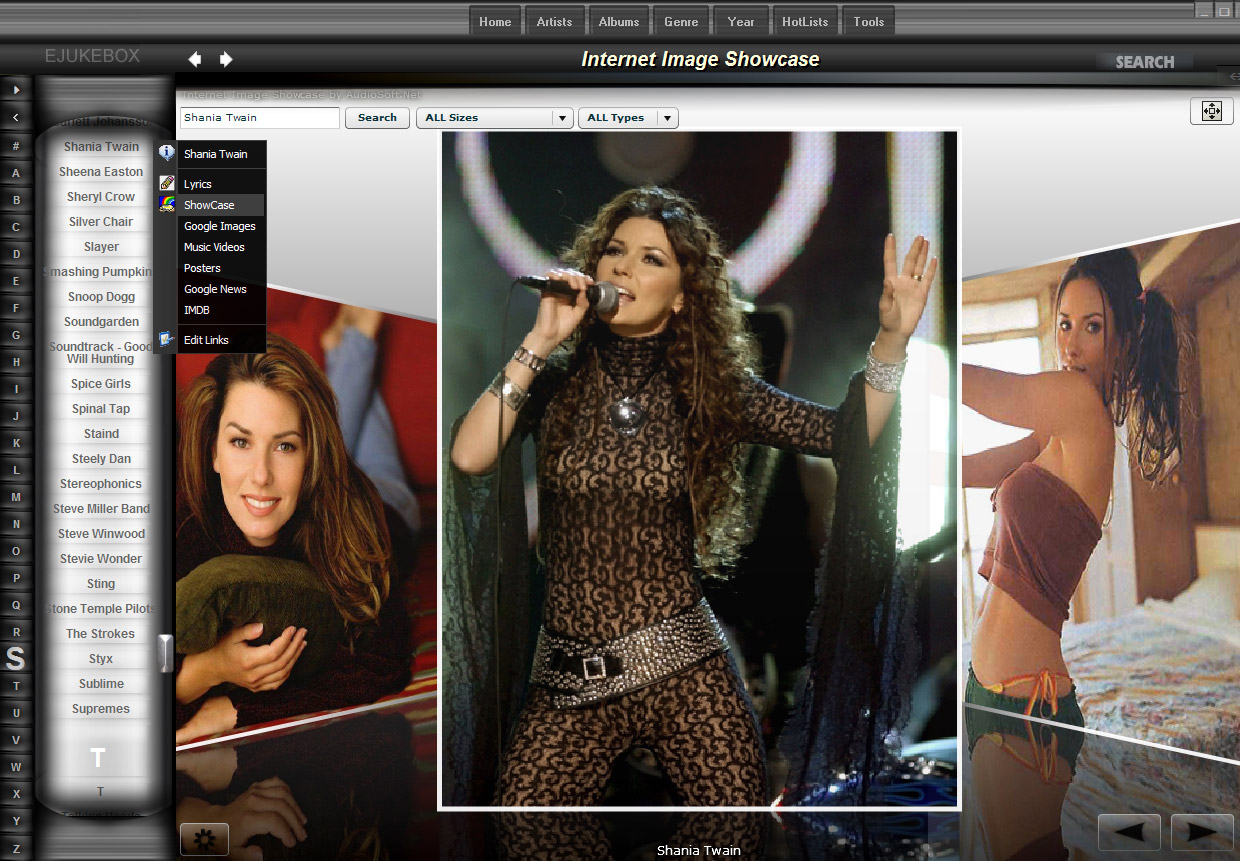
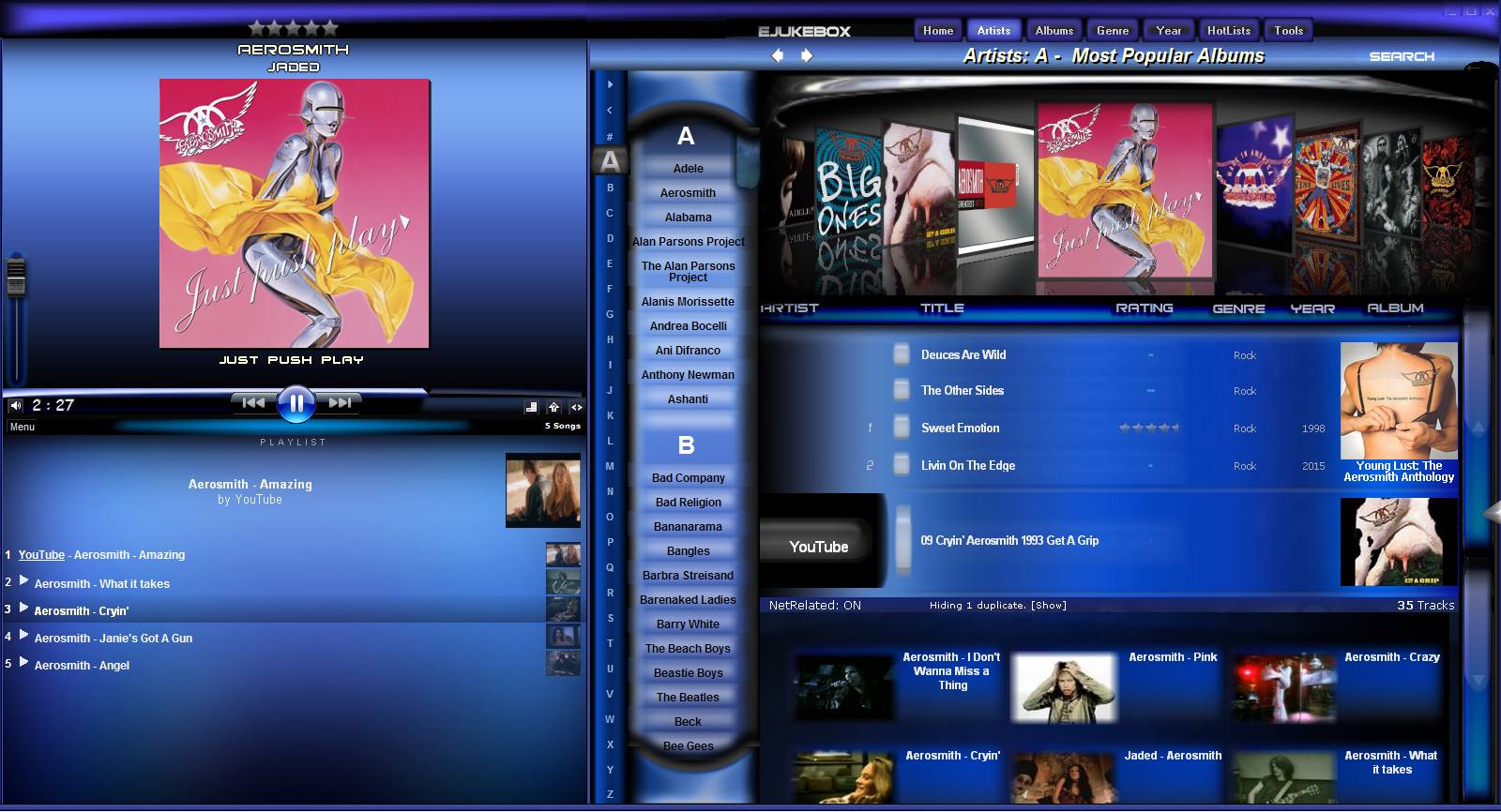
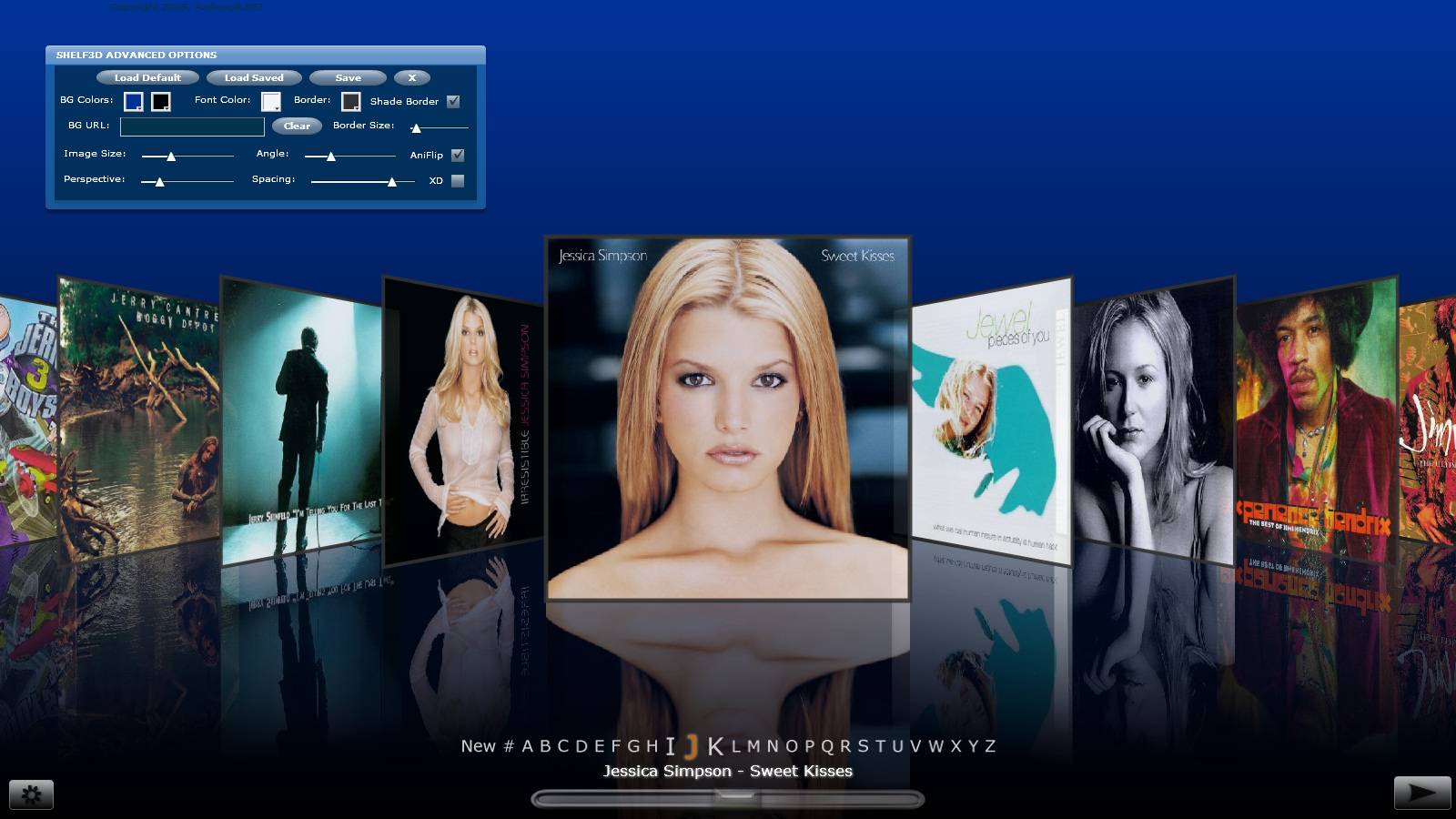
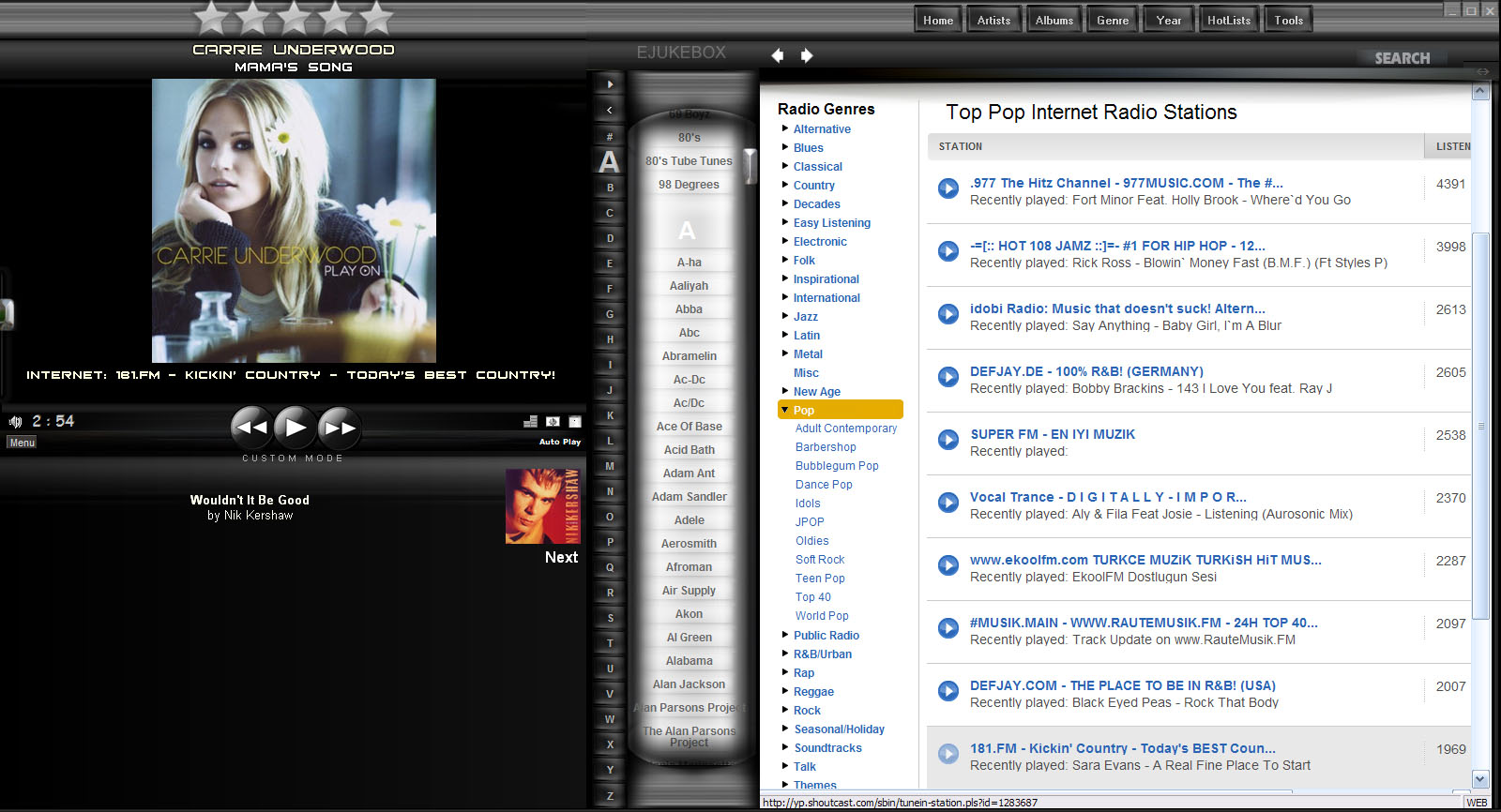
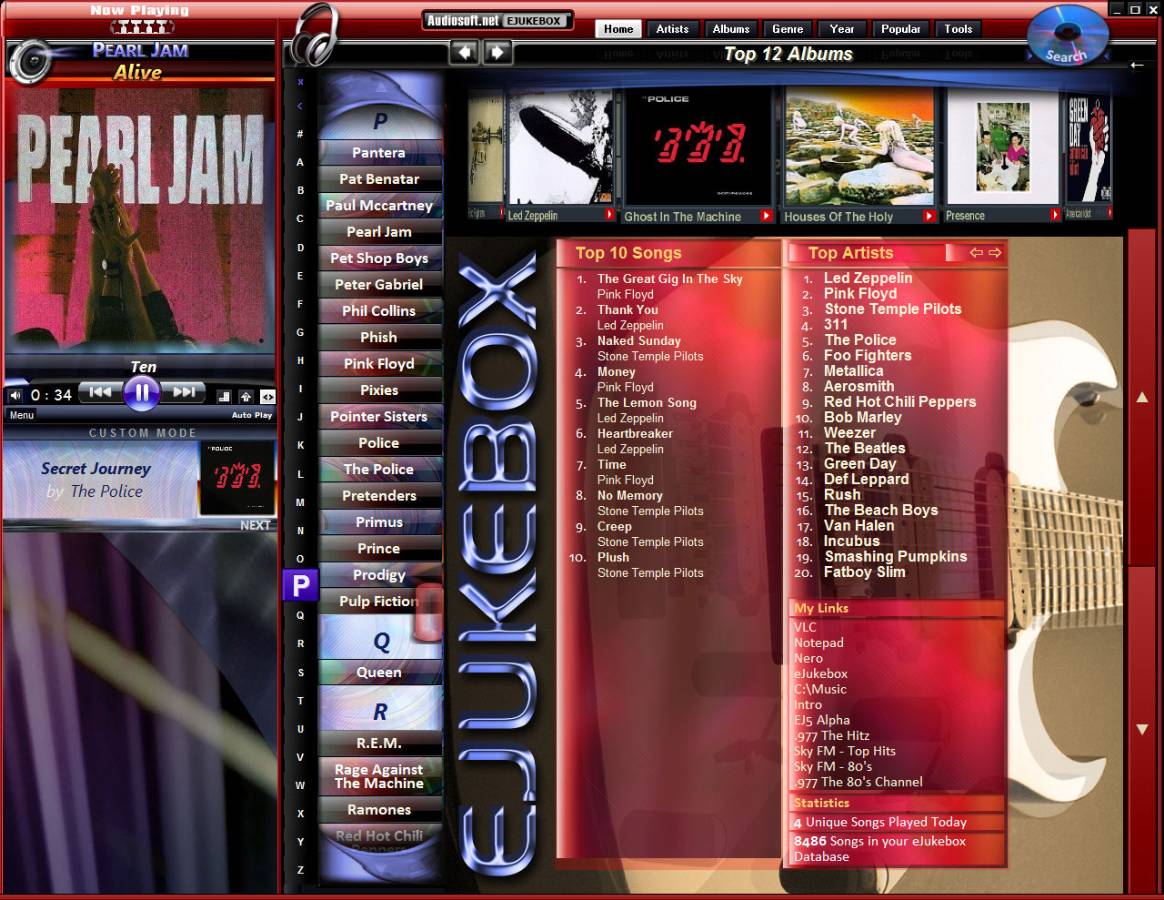
EJukebox can be resized in many ways and supports various different layout configurations and skins.
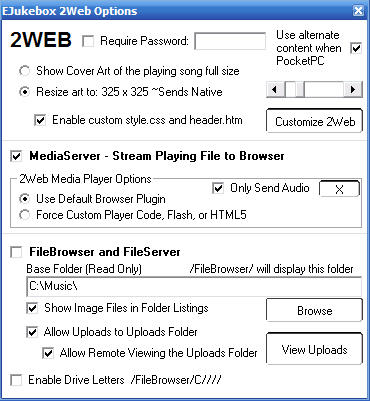
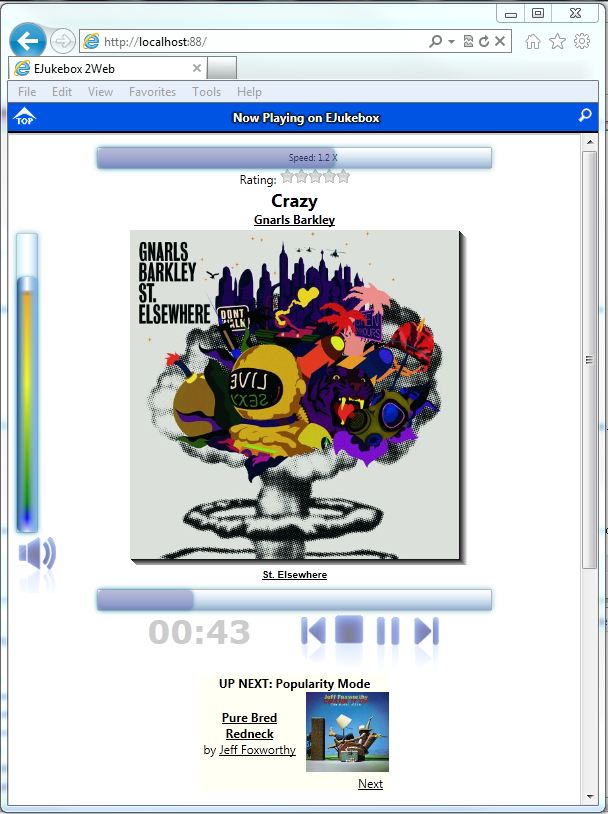
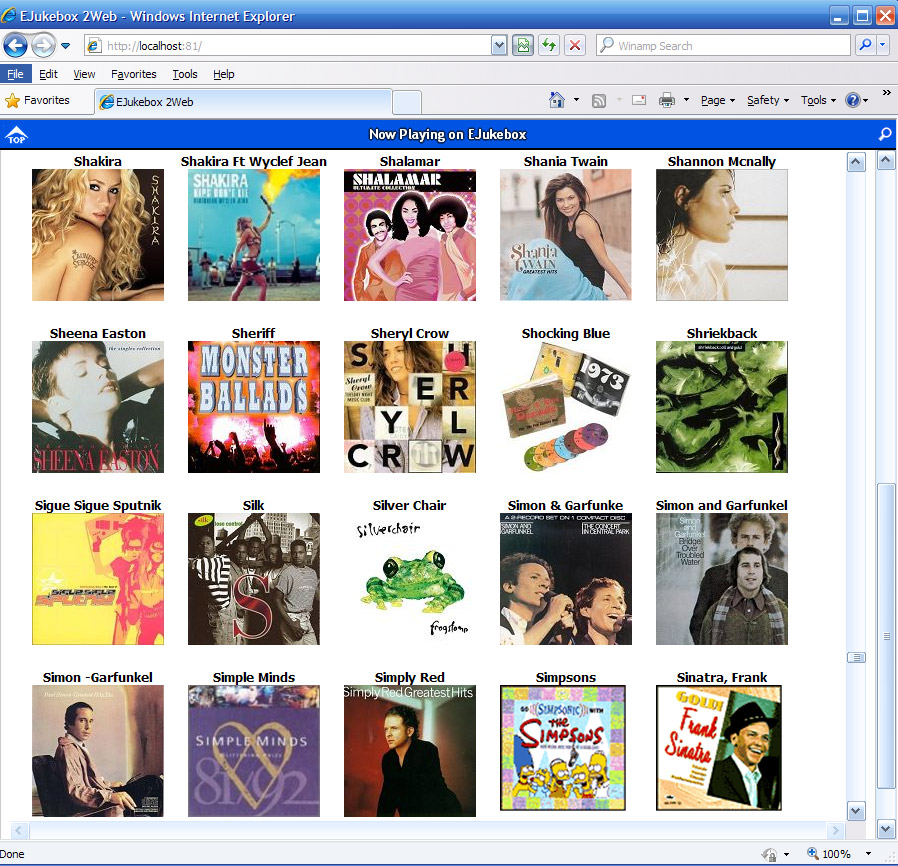
Great for your PC, Laptop, touchscreen, standard TV or HDTV with remote controller. You can even select from your collection with a web enabled phone by using the 2Web feature
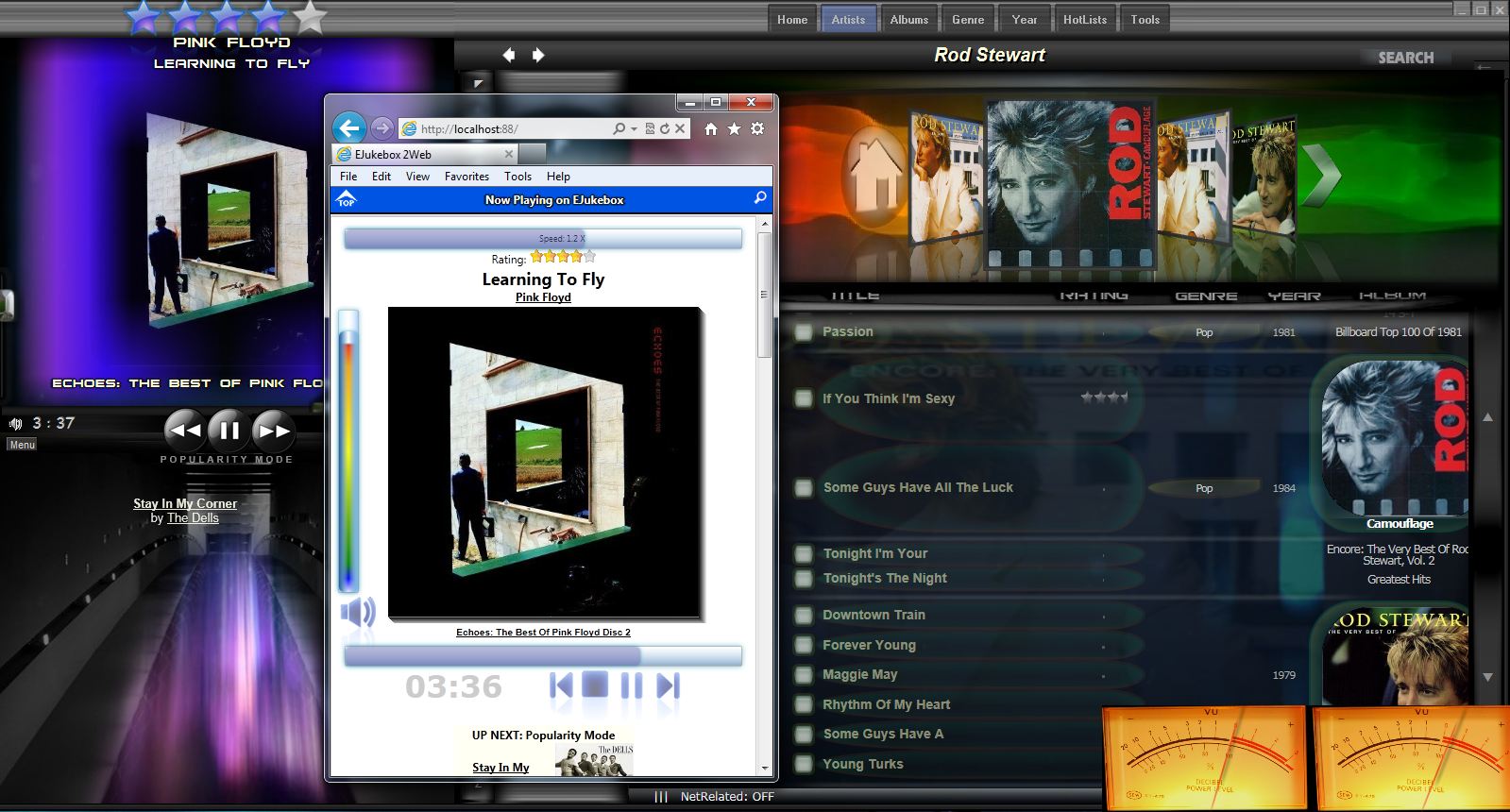
EJukebox 5.74 with new 2Web touch sliders and real-time green to red peak meter.
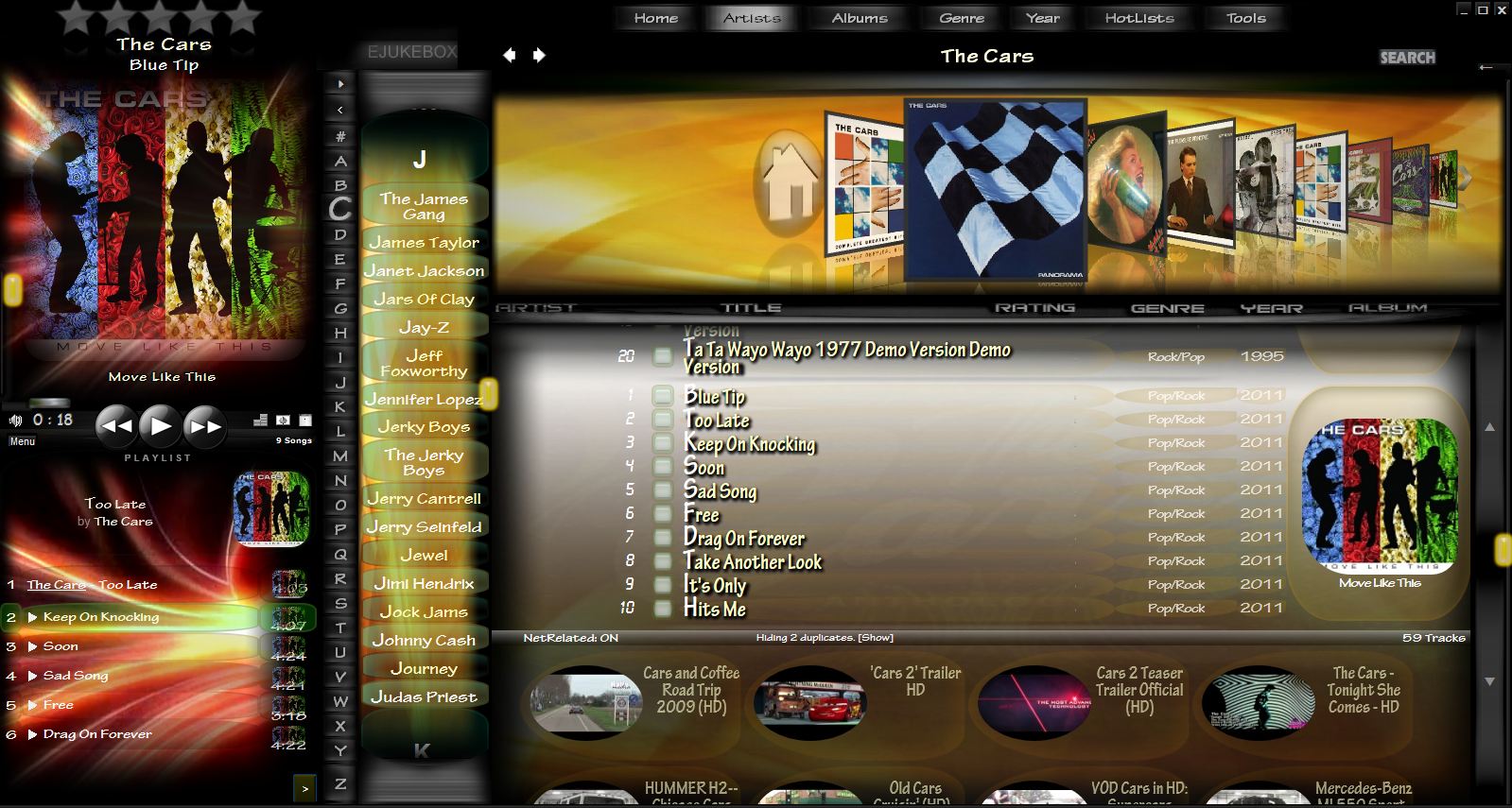
EJukebox on Win7/8 includes customizable mp4 animated backgrounds on the panels of the interface.
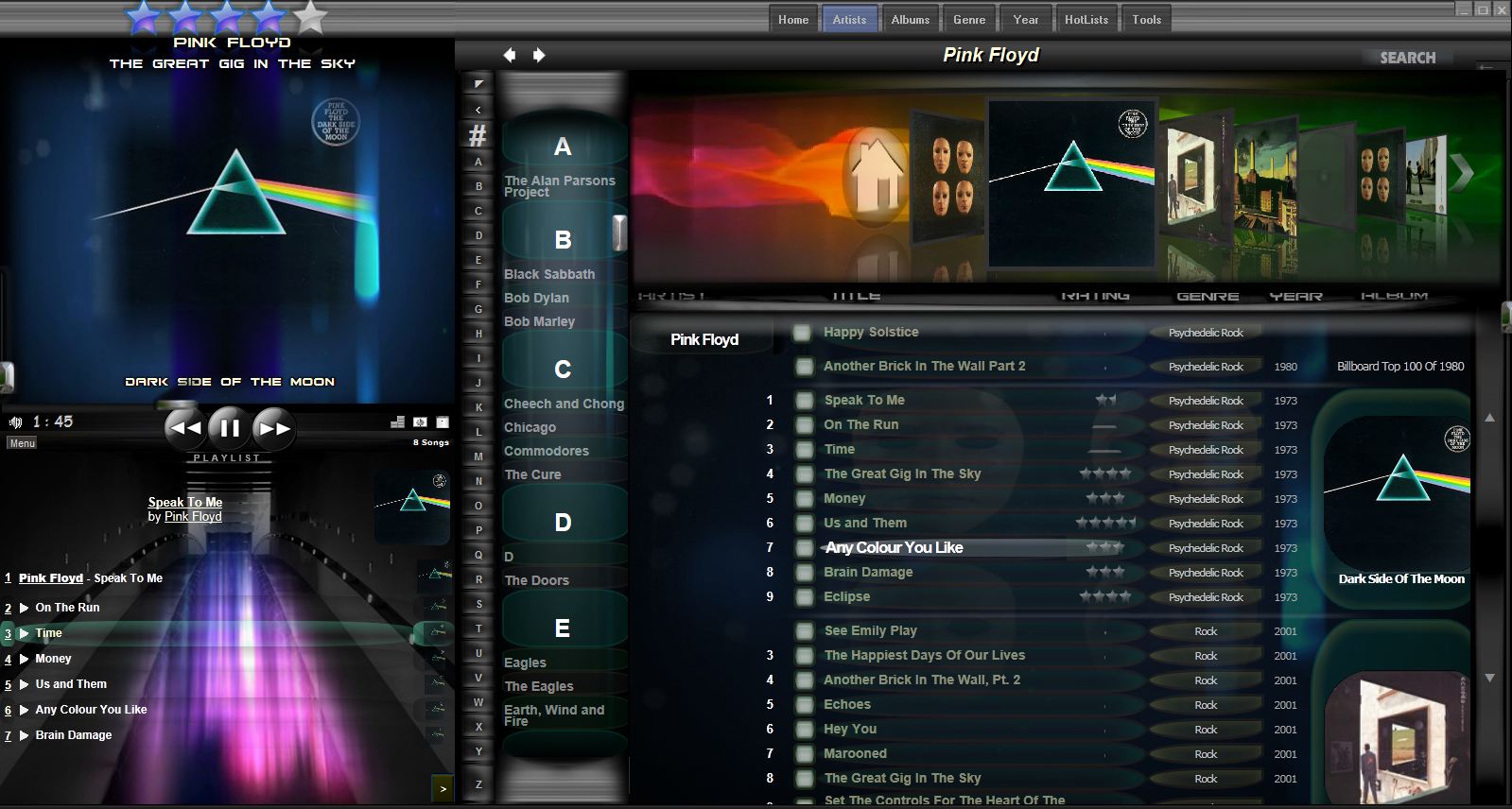
EJukebox configured under the same resolution but with the opposite artist list position.
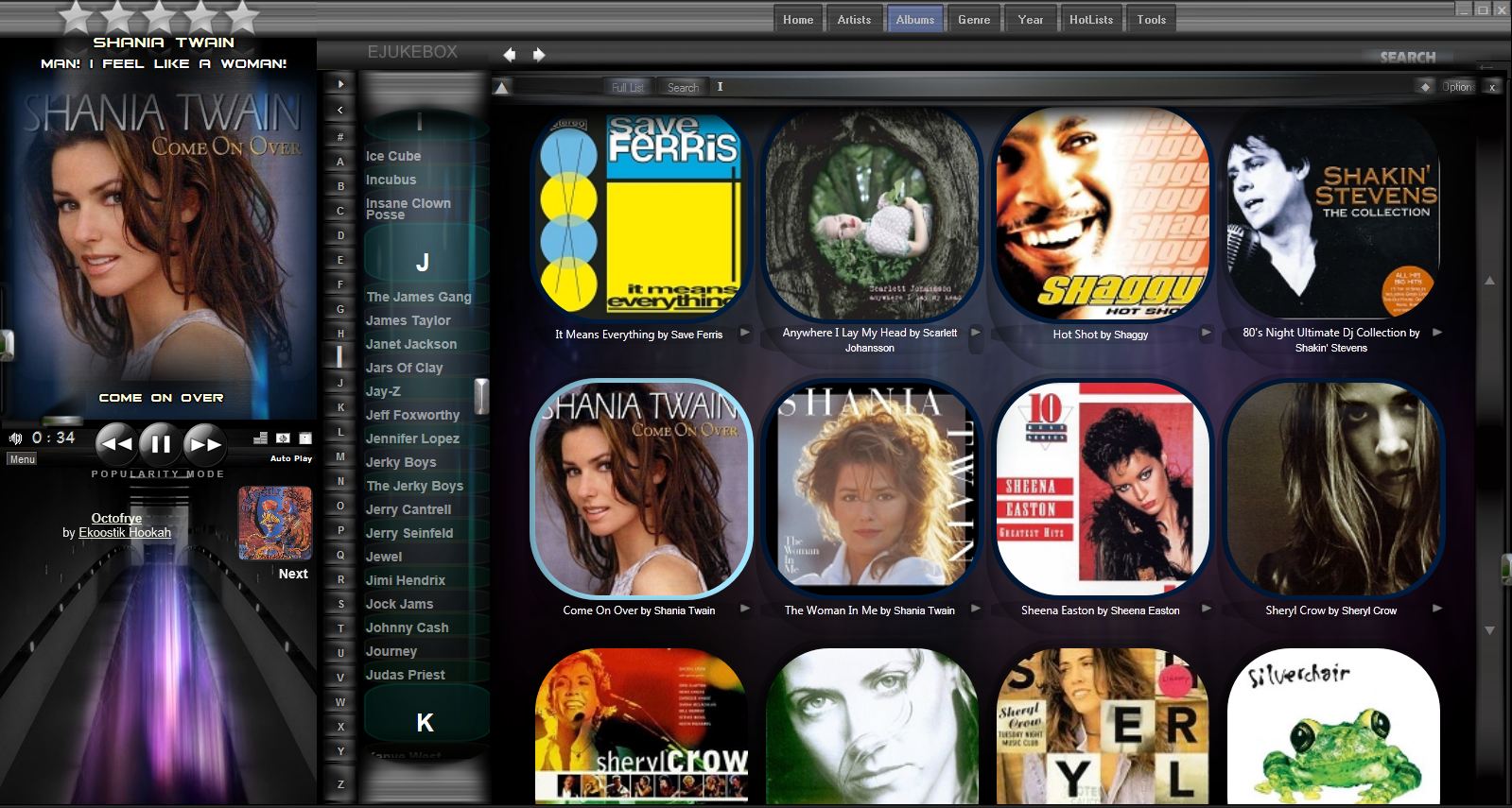
EJukebox v5.69 with the A-Z linked Album List open
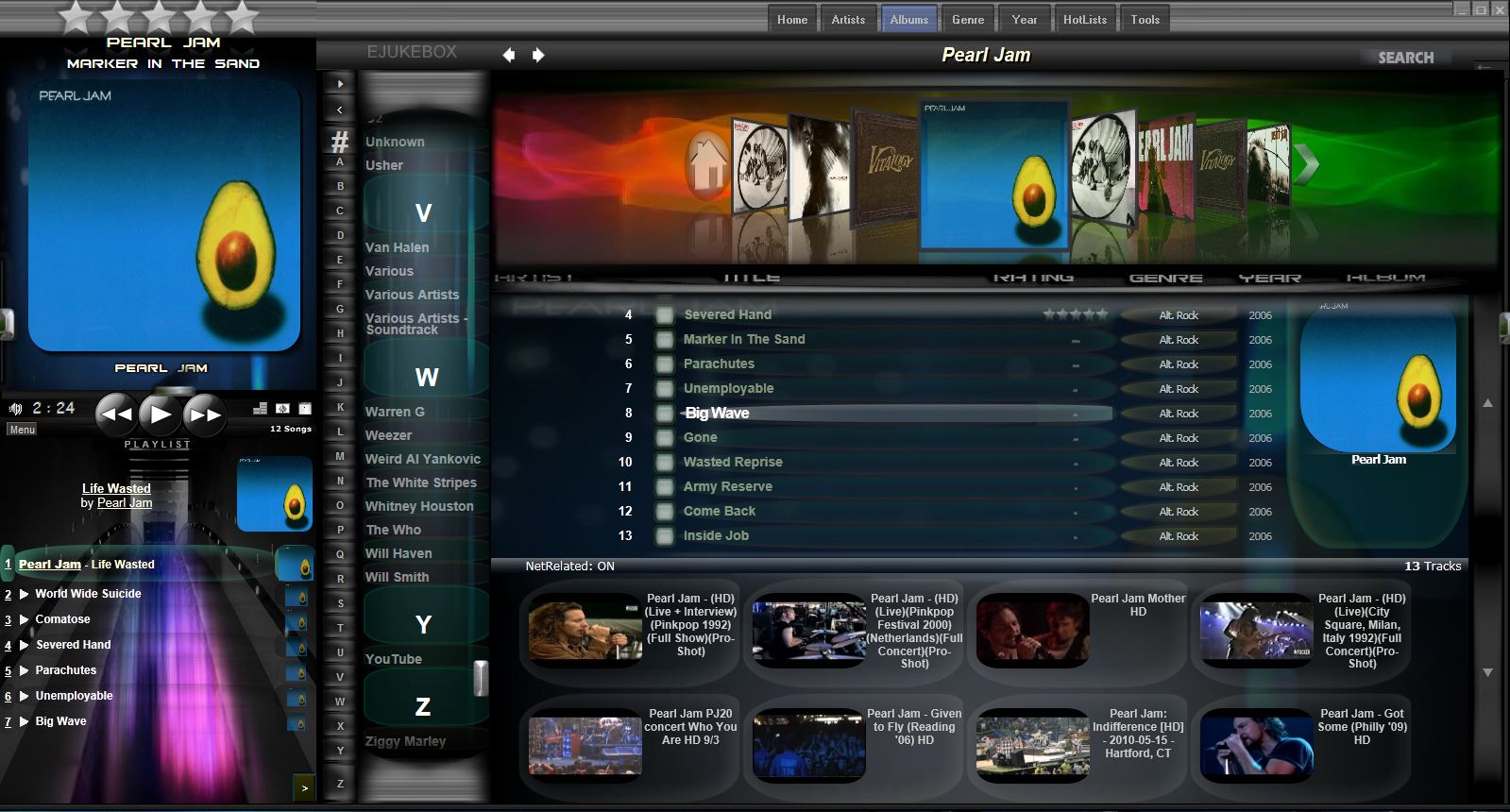
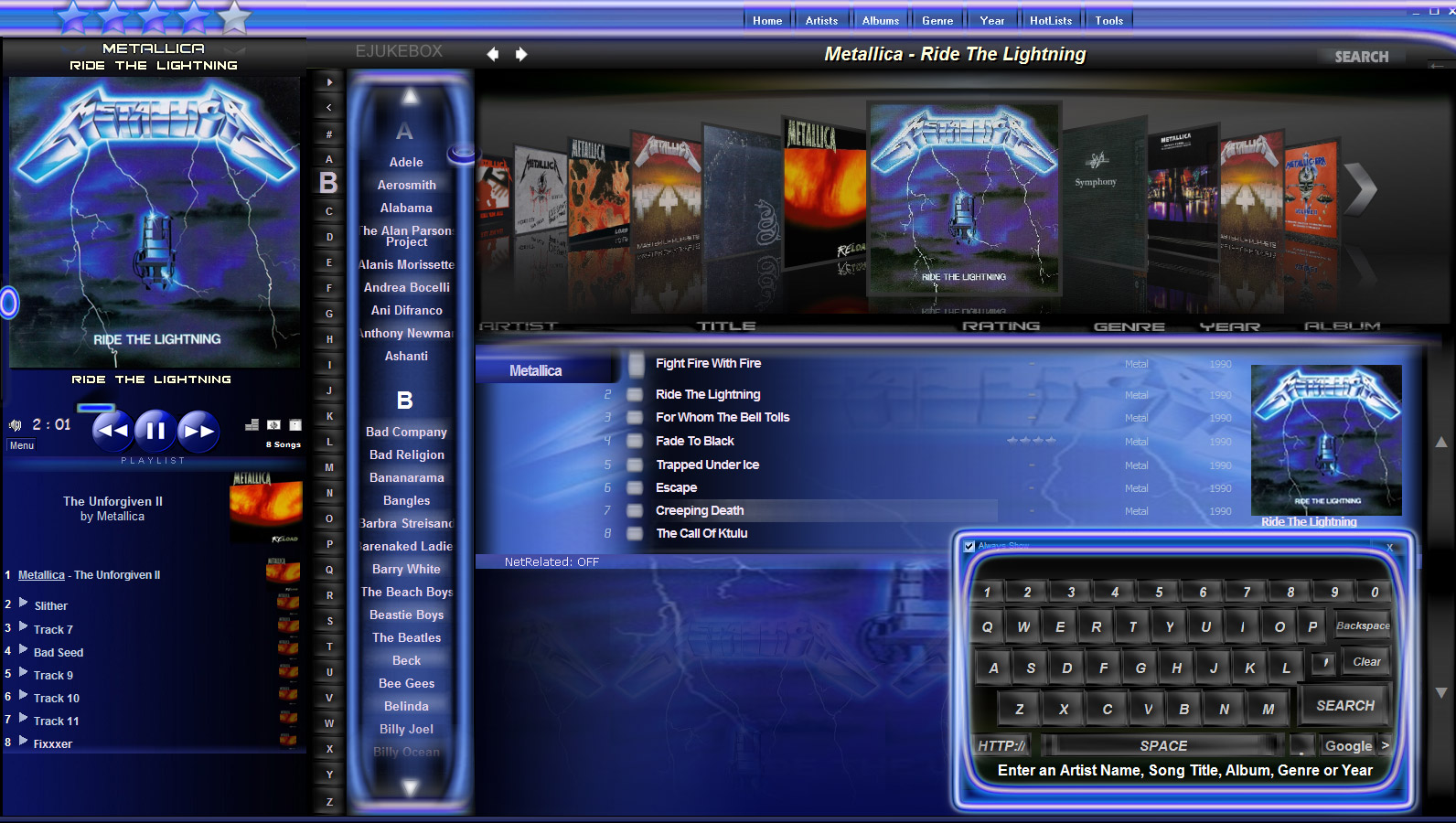
EJukebox 5 with the NeoBlues Skin at 1600x900 on WinXP
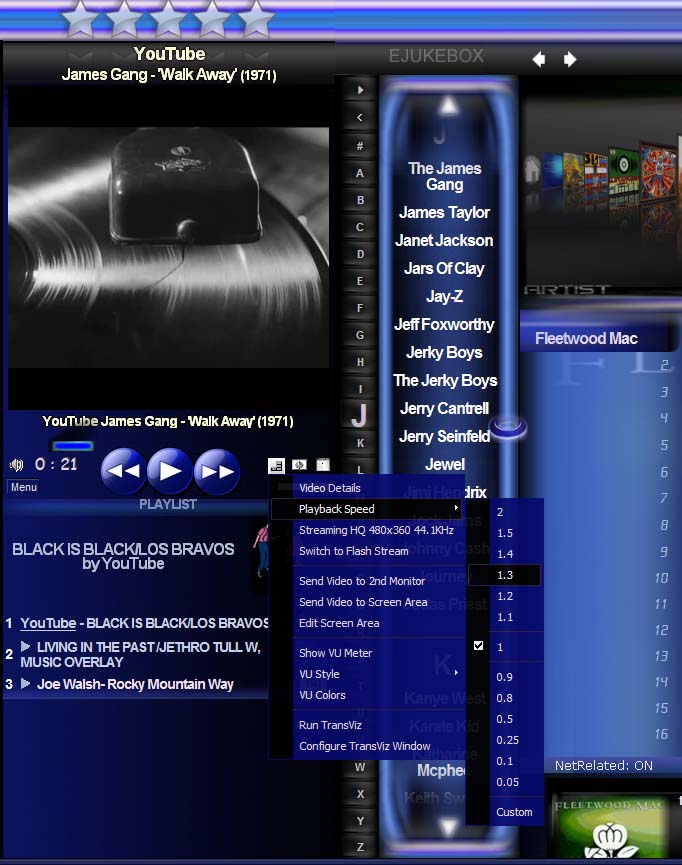
EJukebox's Viz Menu lets you change the animation and playback rate on the fly; on Win7 without it sounding like chipmunks. Slow Motion Video and Fast Frame is possible. As well as the ability to send the video to a 2nd extended tv/lcd. You can even set EJ to Announce the songs and videos when they start playing using Text2Speech technology.
New Wide right side option for 1600+ width monitors
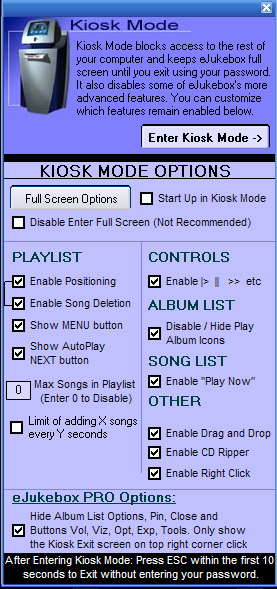
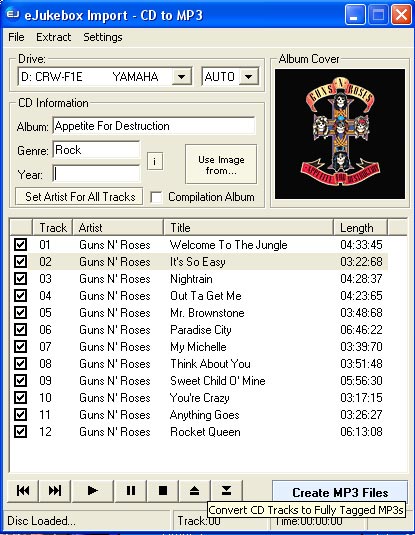
Left: Kiosk Mode allows you to lock EJukebox on-screen and block access to the rest of your computer. Right: Built-in
CD Ripper allows you to easily import your CD collection. Features
automatic CDDB lookup, image lookup, MP3 ID3 tagging and various
MP3 encoding quality and file naming options.
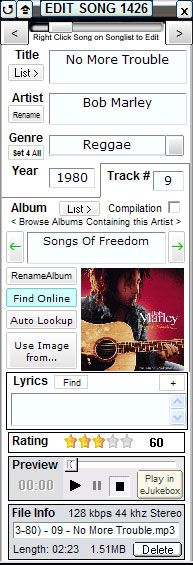
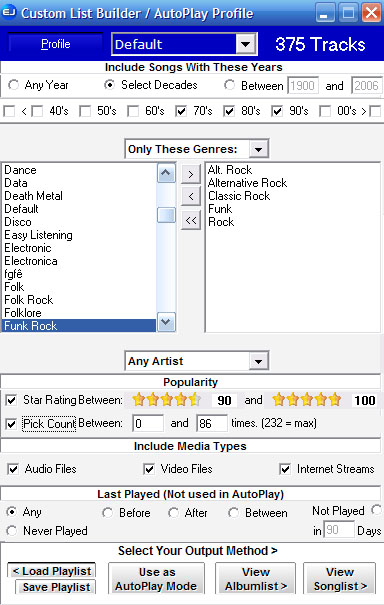
Left: EJukebox's ID3 Tag/Song Editor. Right: EJukebox's Custom List Builder. Allows you to Generate Lists or setup Auto Playback (for when the playlist is empty).