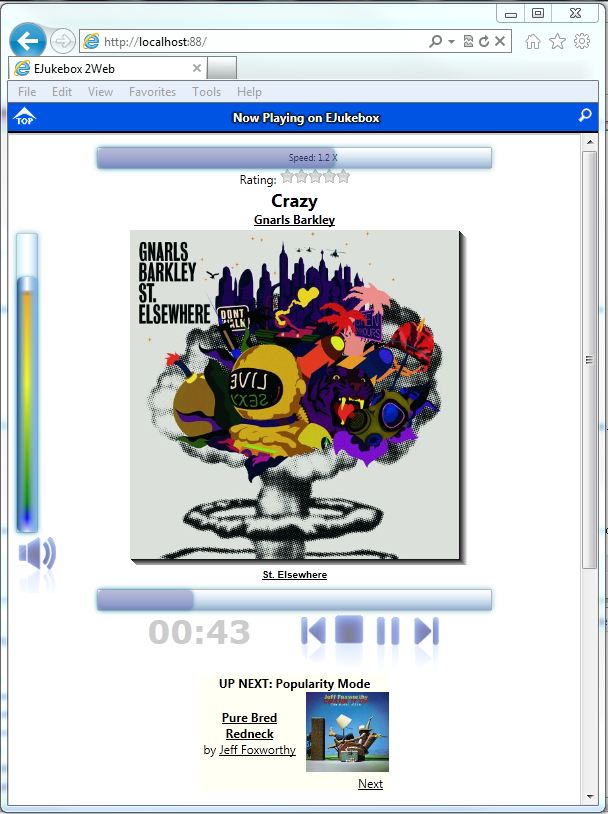
*New: EJukebox v5.45
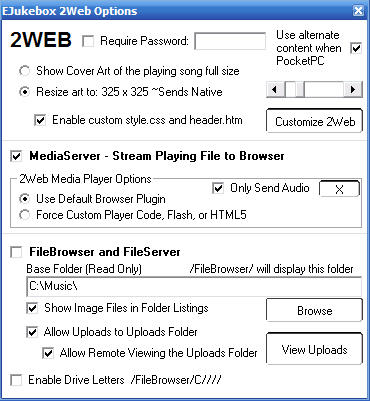
-New 2Web MediaServer option to stream playing mp3 to web browser
-New 2Web FileBrowser option for remote file downloading and multiple file uploading
 *New: EJukebox v5.15
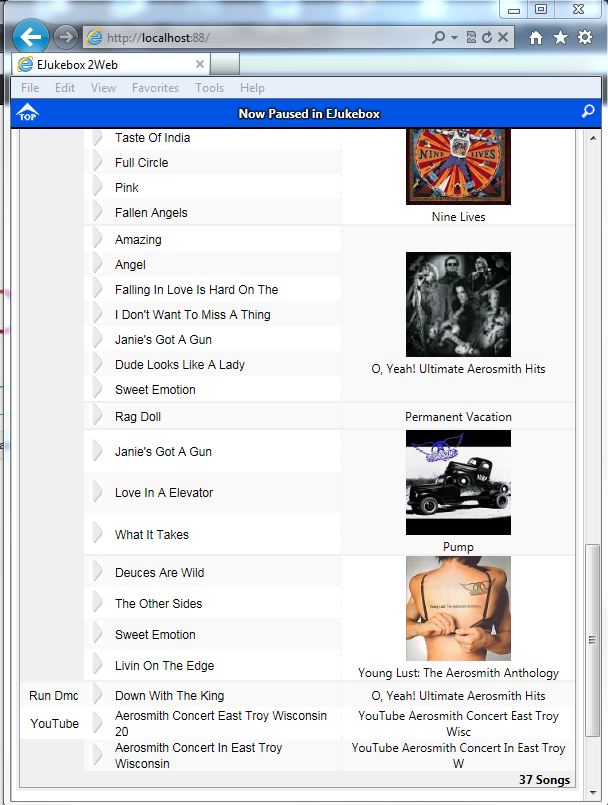
adds a 'Browse Albums' feature to 2Web plus an option to send the 'now playing art' at full resolution
*New: EJukebox v5.15
adds a 'Browse Albums' feature to 2Web plus an option to send the 'now playing art' at full resolution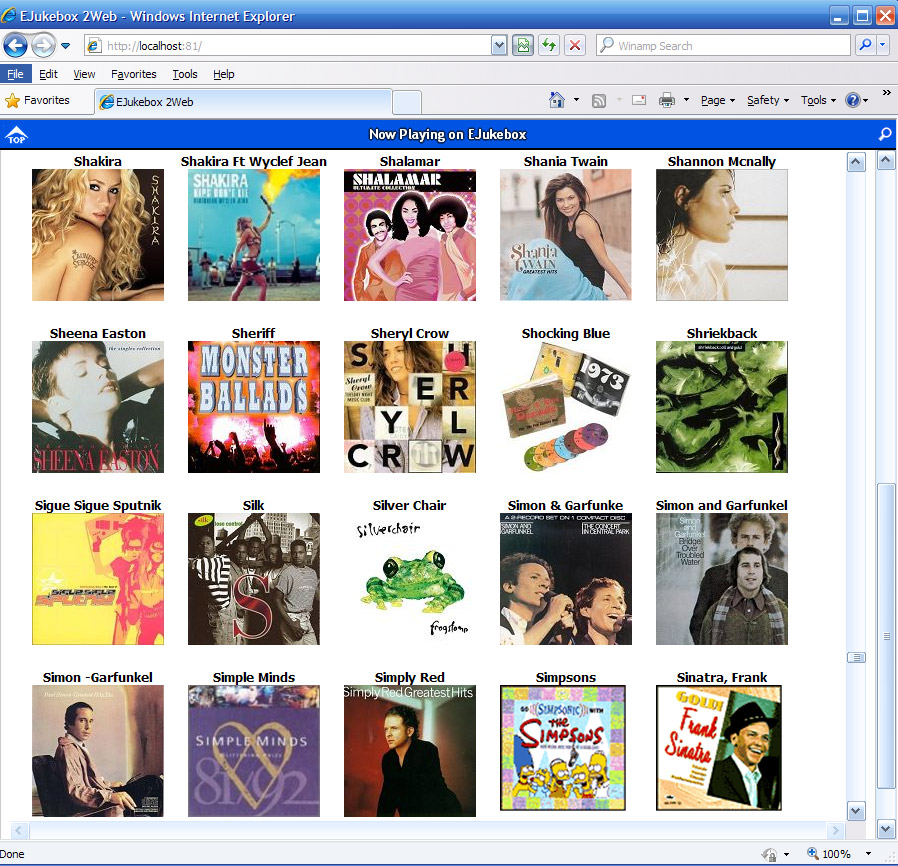
What is EJukebox 2WEB?
2WEB is a feature included with EJukebox Pro that allows you to control EJukebox remotely and search and listen to your music collection in real-time from any web browser including Apple iOS/Android devices.
2WEB has drag and drop playlist functionality (when used in Internet Explorer)
You can activate 2WEB by enabling it from the "Web" tab on EJukebox's options panel.
MAIN USES FOR EJukebox 2WEB
WIRELESS/HOME/OFFICE/COLLEGE NETWORK (LAN) USERS: Store all your
media on one pc running EJukebox and control EJukebox and listen from any web
device on the Network.
-Use the web browser on your Laptop, Android, iPod touch, iPad, iPhone, etc to remote control the audio/video and browse files on your PC running EJukebox
-Run the new 2Web Media Server or setup a Shoutcast Streaming Server with Winamp on the main computer and
listen in from any of the connected browsers.
-Connect the main PC to your home/office sound system and use 2Web to
control playback from multiple points.
GLOBAL ACCESS: Run EJukebox and the 2Web MediaServer option or a Shoutcast server and control and listen to your music collection anywhere in the world via a web browser.
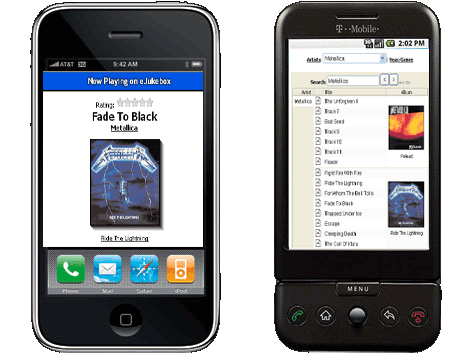
Access EJukebox 2WEB on your Phone